
Create Anything You Imagine – 5-Axis CNC Machine with 50,000+ Ready-to-Make Designs, One-Tap Projects for Beginners, Makers & Professionals
Desktop 5-Axis CNC Machine
Create Anything
You Imagine.
Choose from 50,000+ ready-to-make designs and bring your ideas into the real world. With multi-axis machining, an automatic tool changer and a guided project workflow, explore new possibilities in your workshop.
For makers, designers, workshops and creative learning.
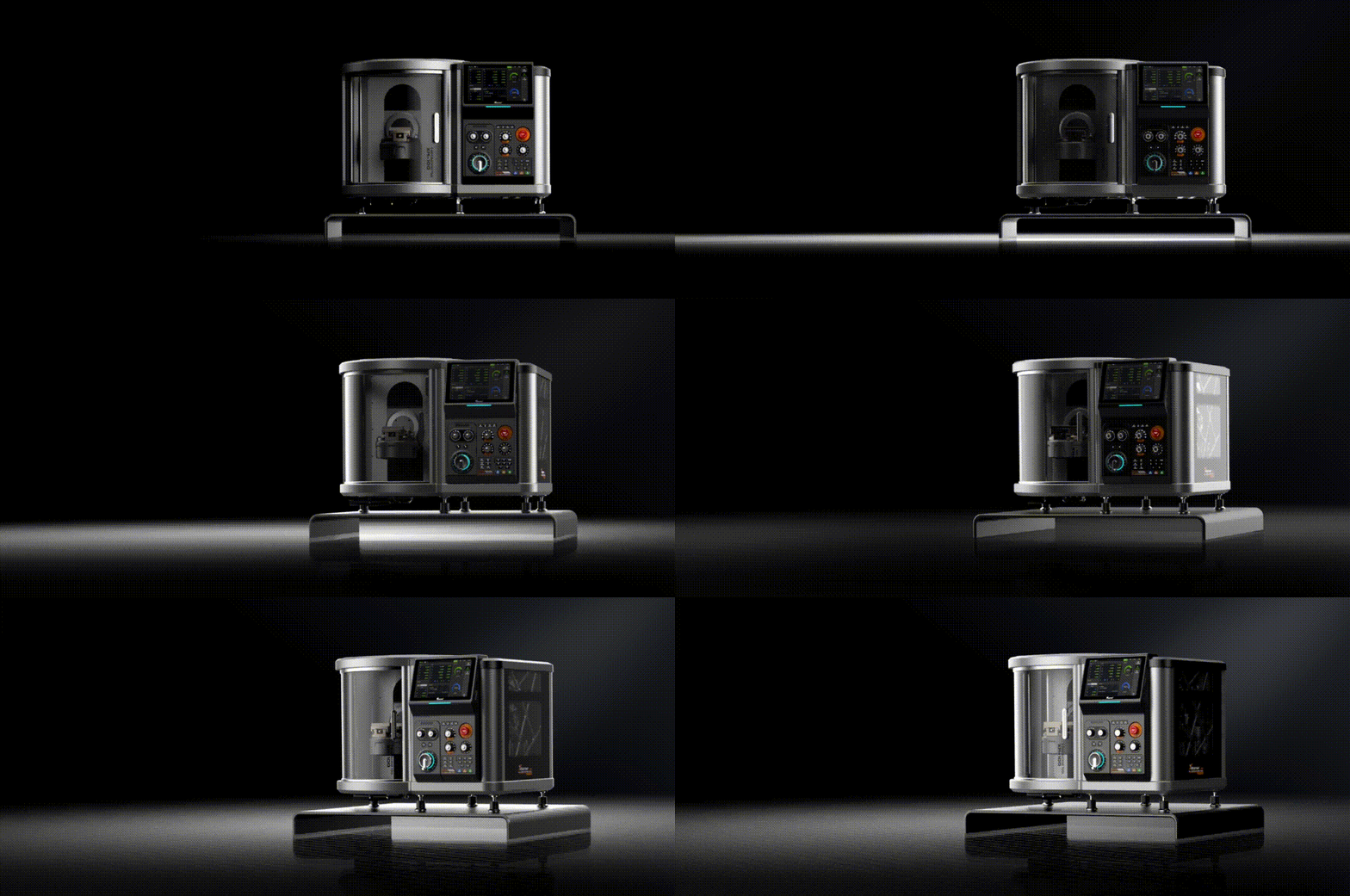
Product Introduction
From a Digital Idea to a Physical Creation.
Starting a CNC project can feel complicated when every idea begins with a blank screen. A ready-to-make design library offers a practical starting point, while a structured workflow helps you move from selecting a model to preparing a machining job.
Explore available models and select a project that fits your goal.
Match your material, cutter and setup to the selected design.
Check the job settings and follow the correct machining process.
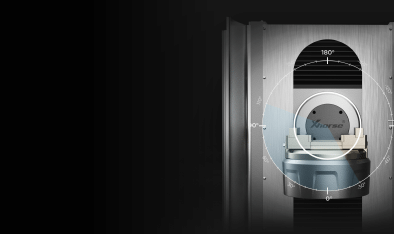
A practical starting point for digital fabrication.
See It in Action
Watch the Machine at Work.
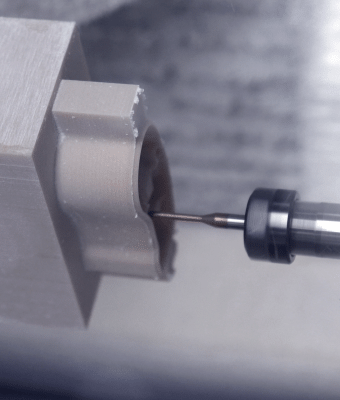
Show the complete machine in operation, with a clear view of the workpiece and the machining process.
Explore designs. Discover your next project.
50,000+ Ready-to-Make Designs
Less Time Wondering Where to Start.
Explore a broad collection of project ideas instead of beginning with an empty canvas. Select a suitable design, review its requirements and adapt the workflow to your material and intended result.
Browse available templates for creative and practical projects.
Use individual projects to become more familiar with digital fabrication.
Progress toward more involved designs as your experience grows.
A More Approachable Workflow
Four Steps from Model to Making.
Keep the process organized from your first design choice to the finished workpiece. Always verify the material, tooling and setup before machining.
Choose a Model
Find a suitable design for the size and purpose of your project.
Select Material
Choose compatible stock for the design, cutter and intended finish.
Prepare the Job
Review toolpaths, workholding, setup and operating instructions.
Start Making
Run the verified job and monitor the machining process safely.
Built for Complex Projects
More Angles. More Ways to Create.
Five-axis machining allows compatible workpieces to be approached from multiple directions. This can support angled surfaces, curved details and complex forms that may otherwise require repeated manual repositioning.
Coordinate multiple axes for compatible three-dimensional machining.
Suitable workflows can reduce repeated manual workpiece repositioning.
Explore compatible custom parts, prototypes and creative forms.

Multi-directional machining for compatible project designs.
Precision in Motion
See the Details at Work.
Use this large display area to show axis rotation, automatic tool changing or a close-up of the cutting process.
Recommended: a wide close-up GIF that clearly demonstrates one key feature.
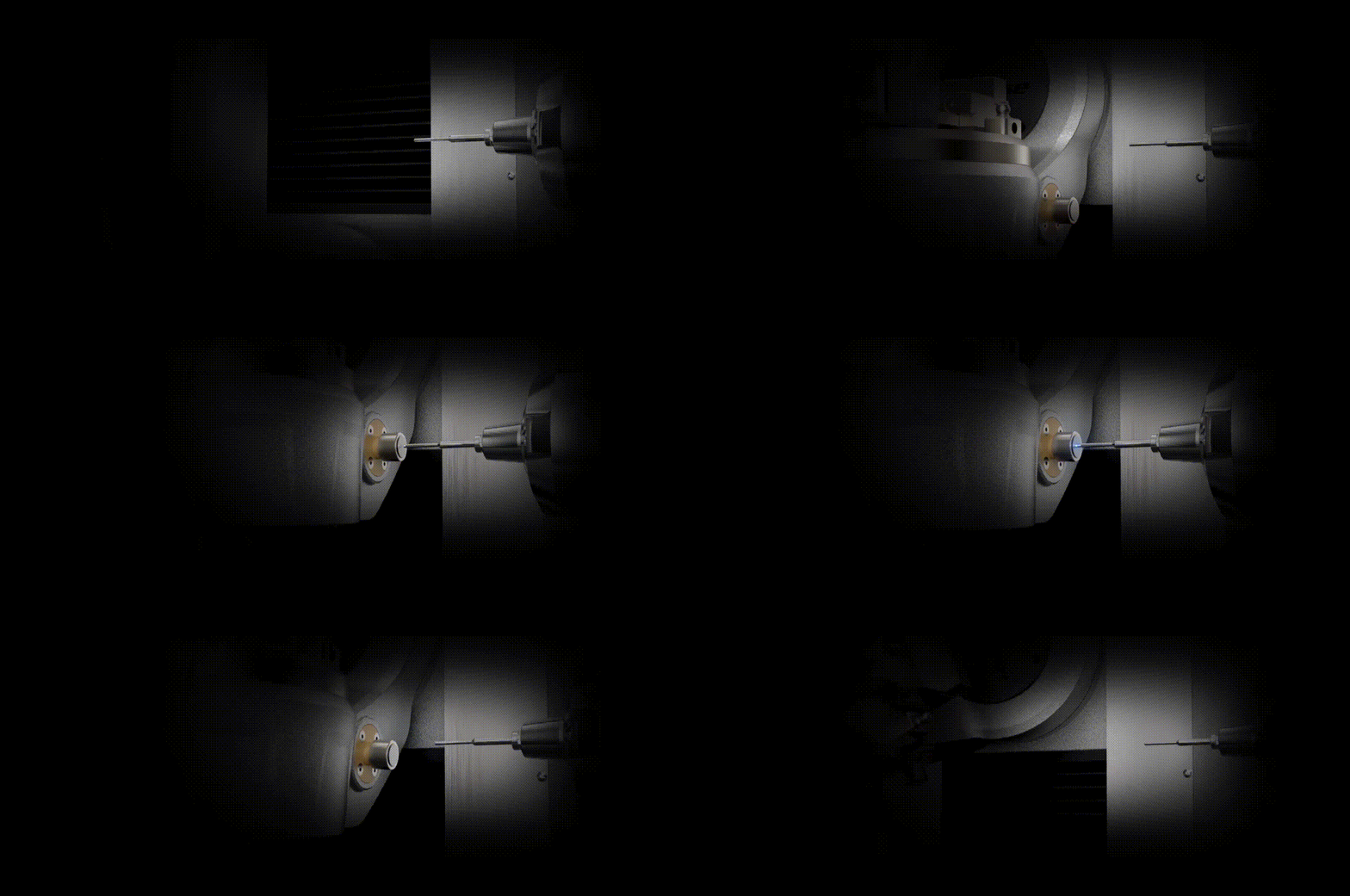
Integrated tooling for compatible multi-stage jobs.
Automatic Tool Changer
Up to Six Tools. A More Organized Workflow.
Different stages of a project may require different cutters. The integrated tool changer accommodates up to six tools, helping organize compatible jobs that involve multiple machining operations.
Supports multiple compatible tools for suitable machining tasks.
Can reduce manual intervention during supported workflows.
Plan compatible cutting and finishing operations around your tool selection.
Material Versatility
Explore Different Materials.
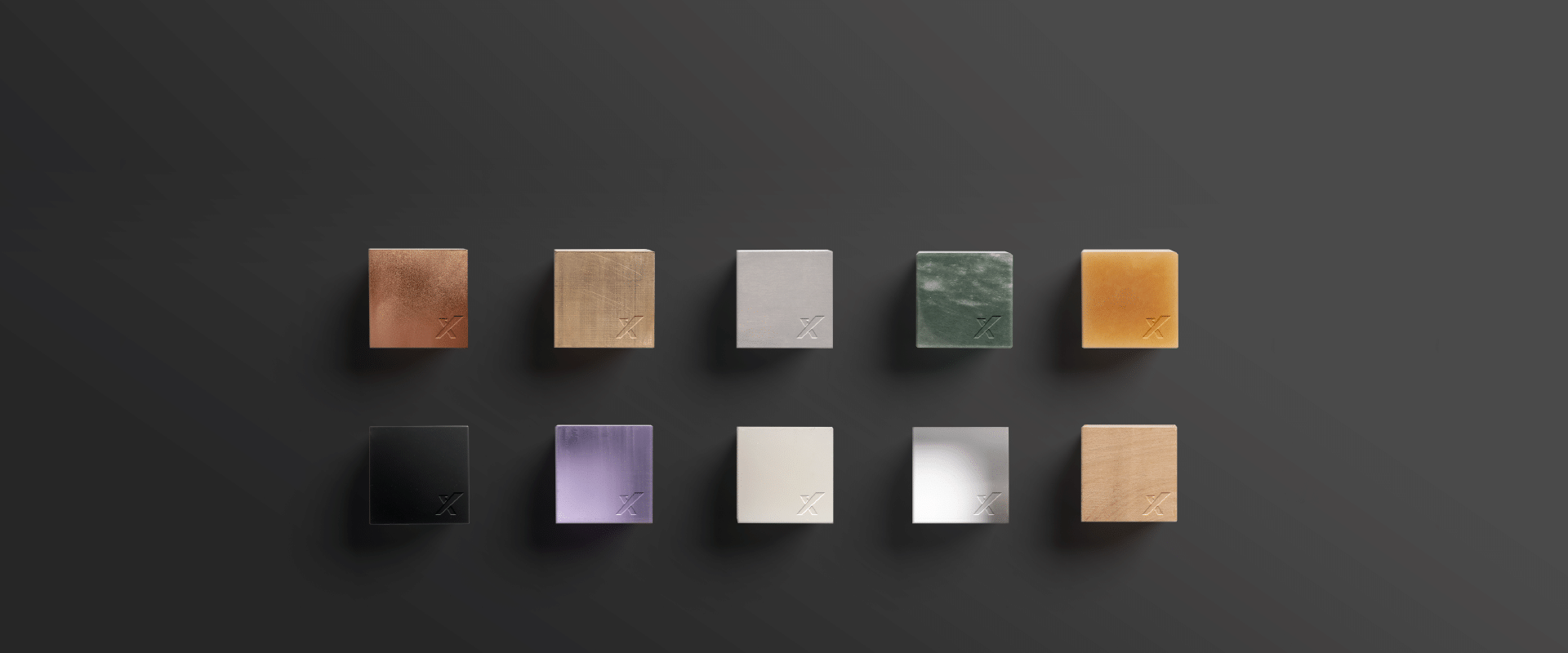
From practical components to decorative projects, material choice influences the process and final finish. Depending on the stock, tooling and operating settings, compatible projects may use materials such as:
Material compatibility depends on the specific stock, cutter, job settings and manufacturer guidance.
For Makers, Workshops and Creators
One Platform. Different Creative Goals.
Explore the possibilities of compatible machining projects, from concept testing to creative work.
Mechanical Components
Develop compatible parts, prototypes and practical workshop components.
Custom Parts
Explore purpose-built shapes and components for suitable applications.
Artistic Projects
Bring sculptural forms, decorative details and personal ideas into physical form.
Design Exploration
Test compatible geometry, dimensions and concepts through physical prototypes.
Small-Scale Projects
Explore suitable craft and jewelry designs with the right tooling setup.
Educational Projects
Support supervised learning around digital design and fabrication.
Ideas Into Reality
Watch Your Ideas Take Shape.
Show the finished workpiece, a before-and-after sequence or several completed projects in a single wide animation.
Recommended: a wide GIF with a clear view of the finished piece and its details.
Extra Value for Your Workshop
The Bonus Offer Is Still Active.
The current product page highlights additional tooling and software-related benefits intended to complement your machine setup. Check the selected product option and order details to confirm the exact included items.
For compatible measurement and positioning workflows.
Additional tooling accessories featured in the offer.
Compatible design and CAM features, subject to activation terms.
Check the current package for confirmed included accessories.
Machine Specifications
Precision in Every Detail.
Review the listed machine specifications when planning your workspace and intended projects.
Questions, Answered
Before You Start Making.
Can beginners start with the design library?
The templates provide a starting point. Users still need to choose compatible materials, verify toolpaths and complete the required setup and safety checks before machining.
What is the advantage of five-axis machining?
Five-axis machining allows compatible workpieces to be approached from multiple directions, supporting complex geometries and angled features that may otherwise require additional manual repositioning.
How many tools can the machine hold?
The listed automatic tool changer accommodates up to six tools. Confirm compatible tool types and setup requirements for your intended projects.
What materials can it machine?
Potential materials include aluminum, brass, copper, wood, acrylic and other compatible stock. The suitable material depends on the workpiece, cutter, operating settings and manufacturer guidance.
What is included in the bonus offer?
The current product page highlights a wireless probe, a tool ring set and software access. Confirm the selected package and checkout details for the exact contents and activation terms.
What should I check before starting a job?
Verify material compatibility, workholding, cutter selection, toolpaths and machine settings. Follow the manual and all relevant safety requirements during operation.
Your Next Project Starts Here
Imagine It.
Design It. Make It.
Explore ready-to-make designs, work with compatible materials and bring more of your ideas into the real world with a desktop five-axis CNC machining platform.
Design availability, material compatibility, software features, included accessories and promotional terms depend on the applicable package. Confirm current specifications and included items before purchase. Operate the machine according to the manufacturer's instructions and safety requirements.